Dictate
Hold right Command and speak.
Release the key. Rovna inserts the transcript at the cursor.
Hold a key to dictate on your Mac. Use the iPhone app for notebooks, tasks and widgets. Each app stores its data on the device.
How it works
The Mac app puts speech into the current text field. The iPhone app keeps notebooks and tasks. They are separate, and both work locally.
Dictate
Release the key. Rovna inserts the transcript at the cursor.
Organize
Use Home, Work, Groceries or any list you create.
Complete
Tap it again if you marked it by mistake.
Rovna for Mac
Hold right Command, speak, and release. Rovna inserts the transcript at the current cursor.
Stay in the app you are already using.
Use any of 25+ languages, including mixed Russian and English.
The transcript appears at the cursor. Audio stays on your Mac.
“Move the landing review to tomorrow and send the notes to the team.”
Move the landing review to tomorrow
Work - To doThe model downloads once. After that, dictation works offline.
curl -fsSL https://raw.githubusercontent.com/wkkkis/Rovna-desktop/v0.2.39/install.sh | bashRovna for iPhone
Create notebooks, add tasks, cross them out, and place a list on the Home or Lock Screen.
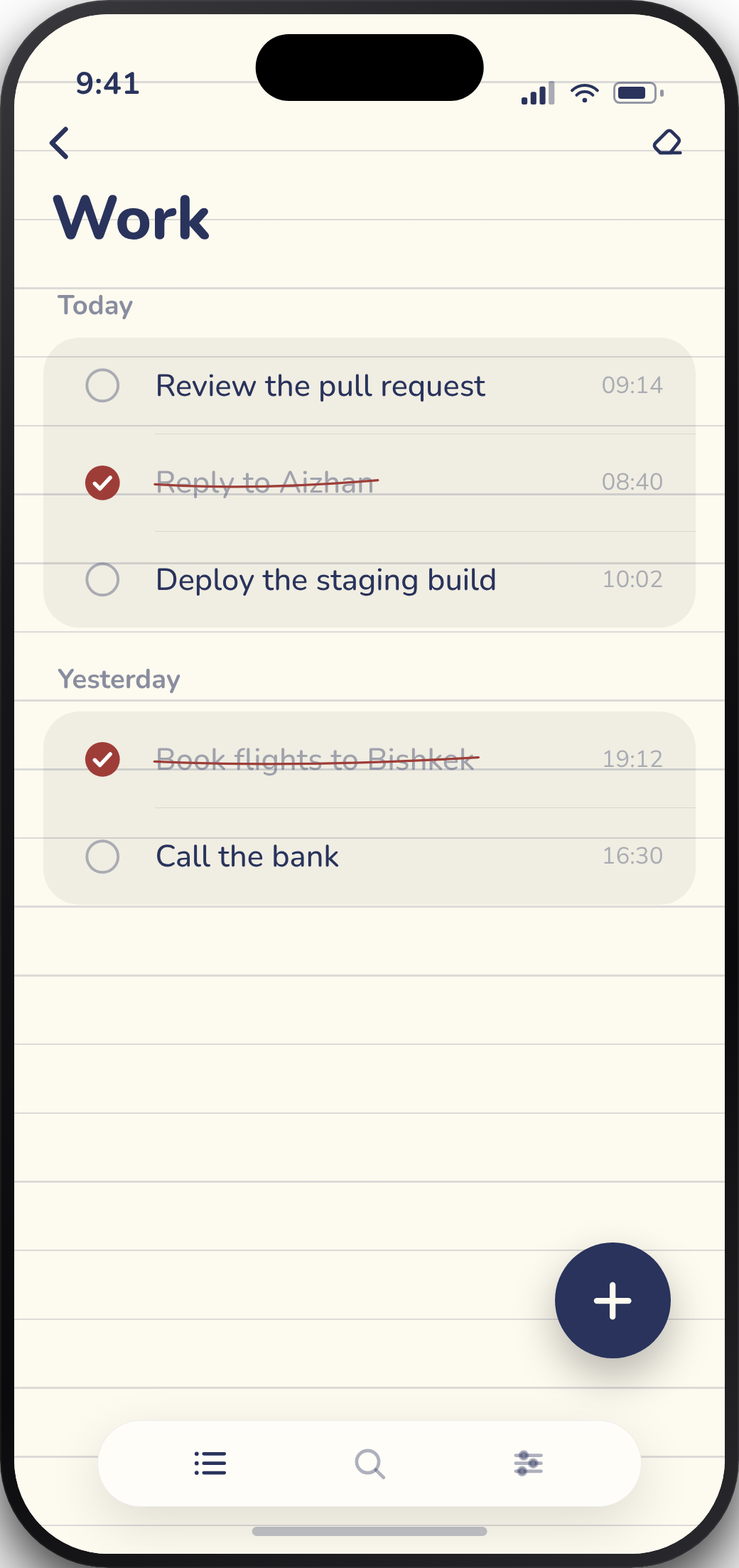
Tap a task
to cross it out.
Choose the paper,
colours and type.
Inside Rovna
Swipe to explore →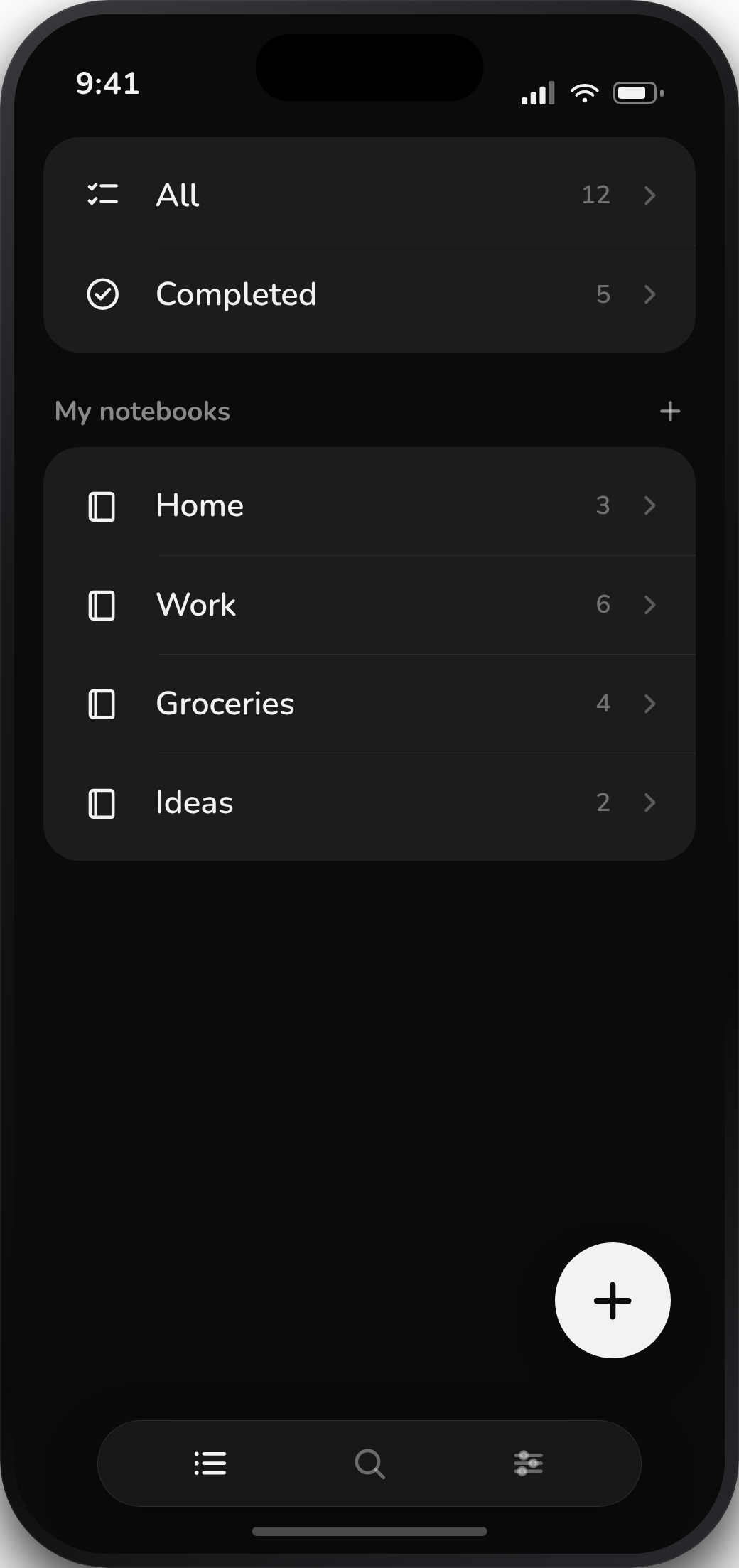
Home, Work, Groceries, Ideas.
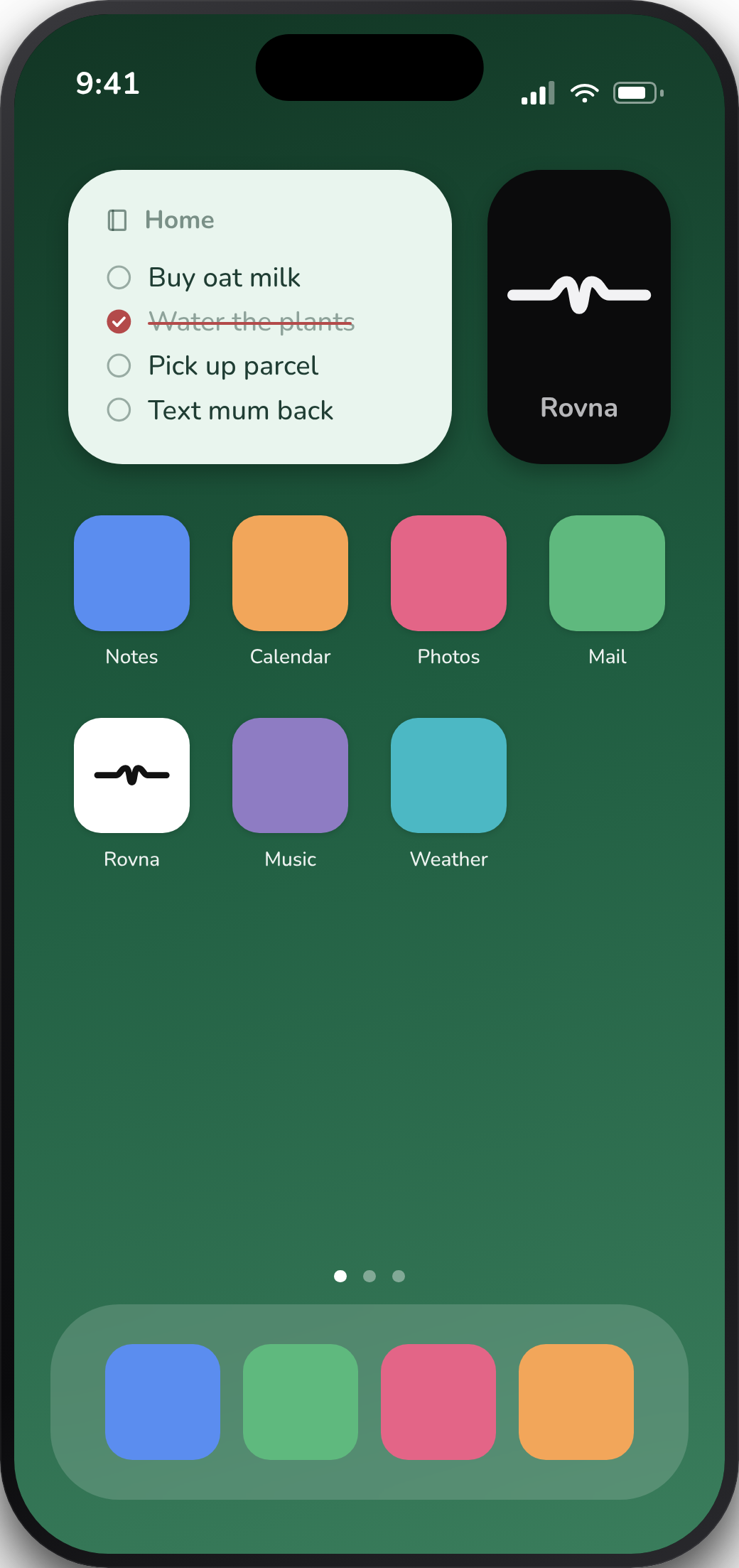
Finish a task without opening the app.
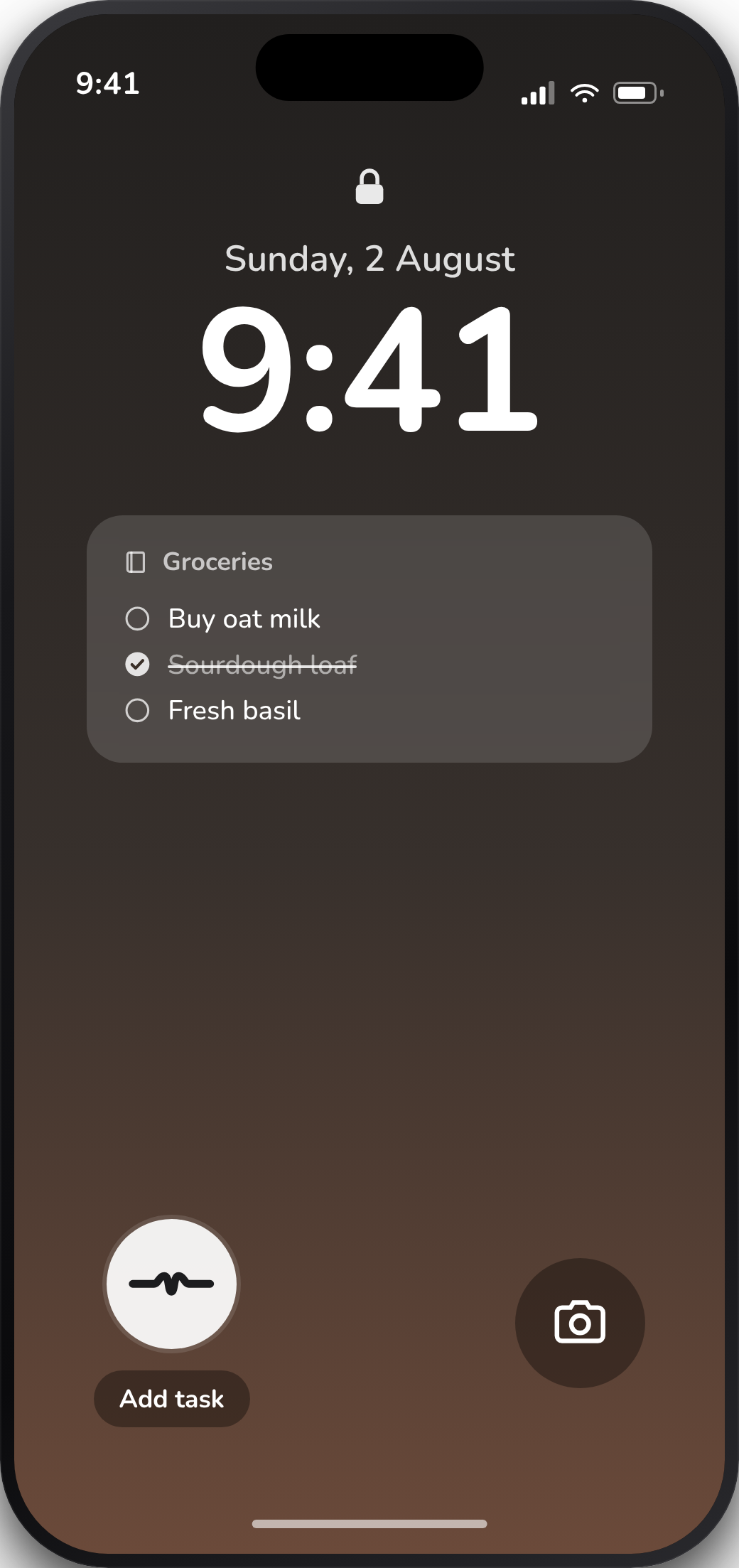
Capture it from the Lock Screen.
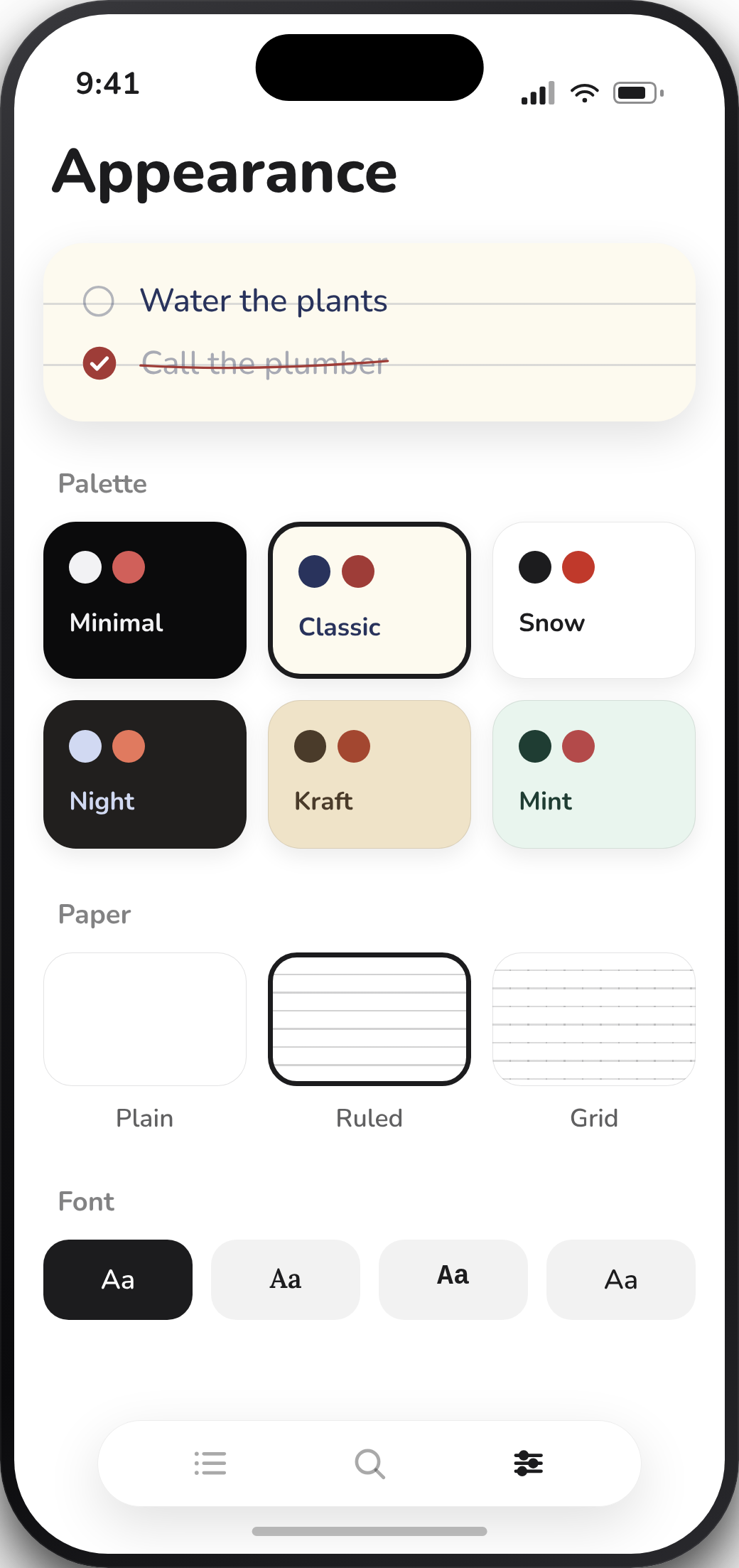
Six palettes, three papers, four typefaces.
transcripts
uploaded
Privacy
The Mac app transcribes audio locally after a one-time model download. The iPhone app stores notebooks and tasks on the phone.
Not required.
The apps contain no analytics, telemetry or advertising IDs.
Mac and iPhone keep their own local data.
Downloads
Local push-to-talk dictation with a task board for saved transcripts.
Download from GitHub Free - Open source - macOS 14+Notebooks, tasks, Home Screen widgets and Lock Screen controls.
Coming to the App StoreFree - iOS 18+ - Local storage